A full sheet for a small label
The default print layout often wastes most of the A4 surface. The unit cost looks small, but it grows with volume.
Savings
A4 x4 printing turns a small layout change into a recurring saving for both occasional sellers and professional teams.
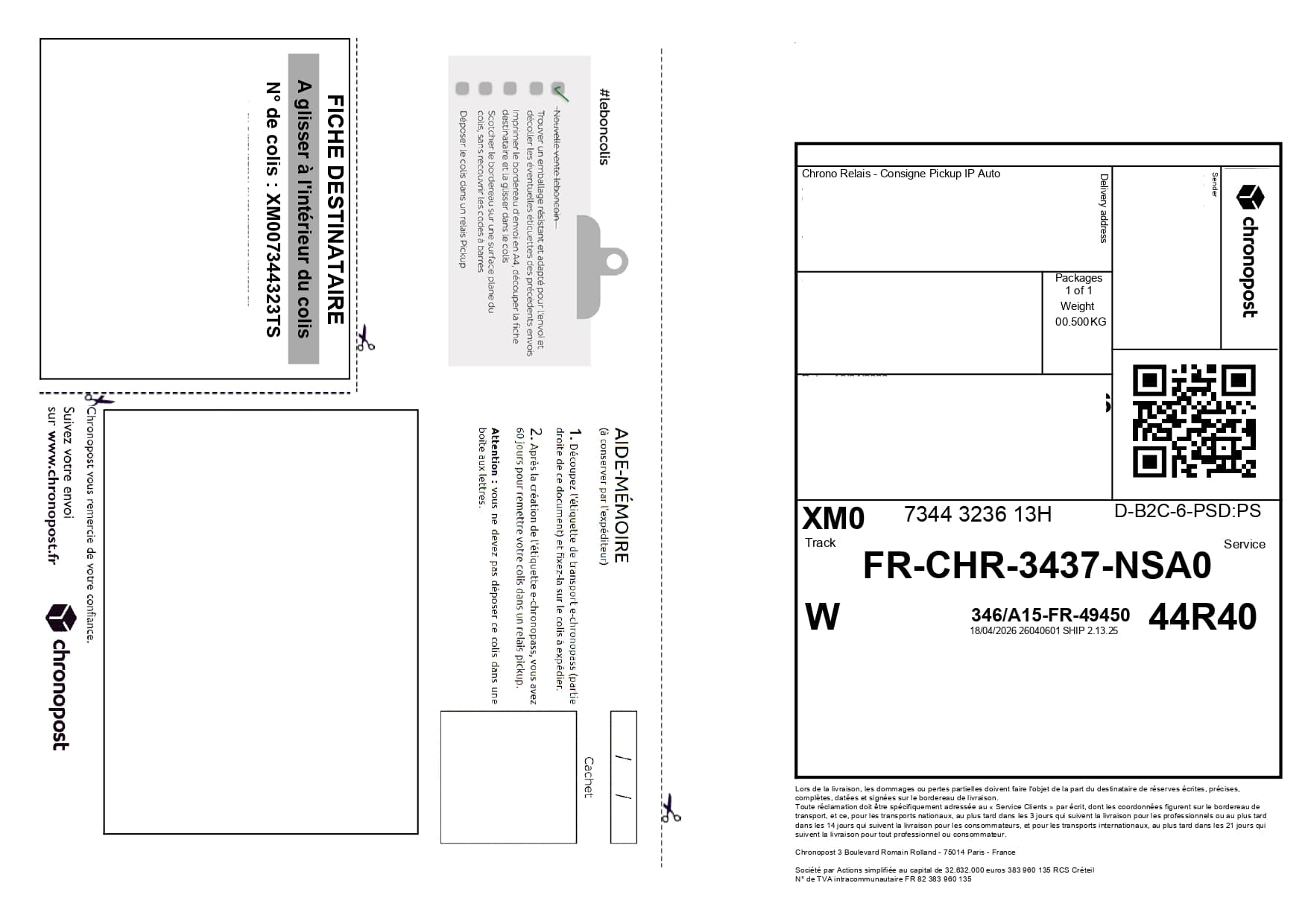
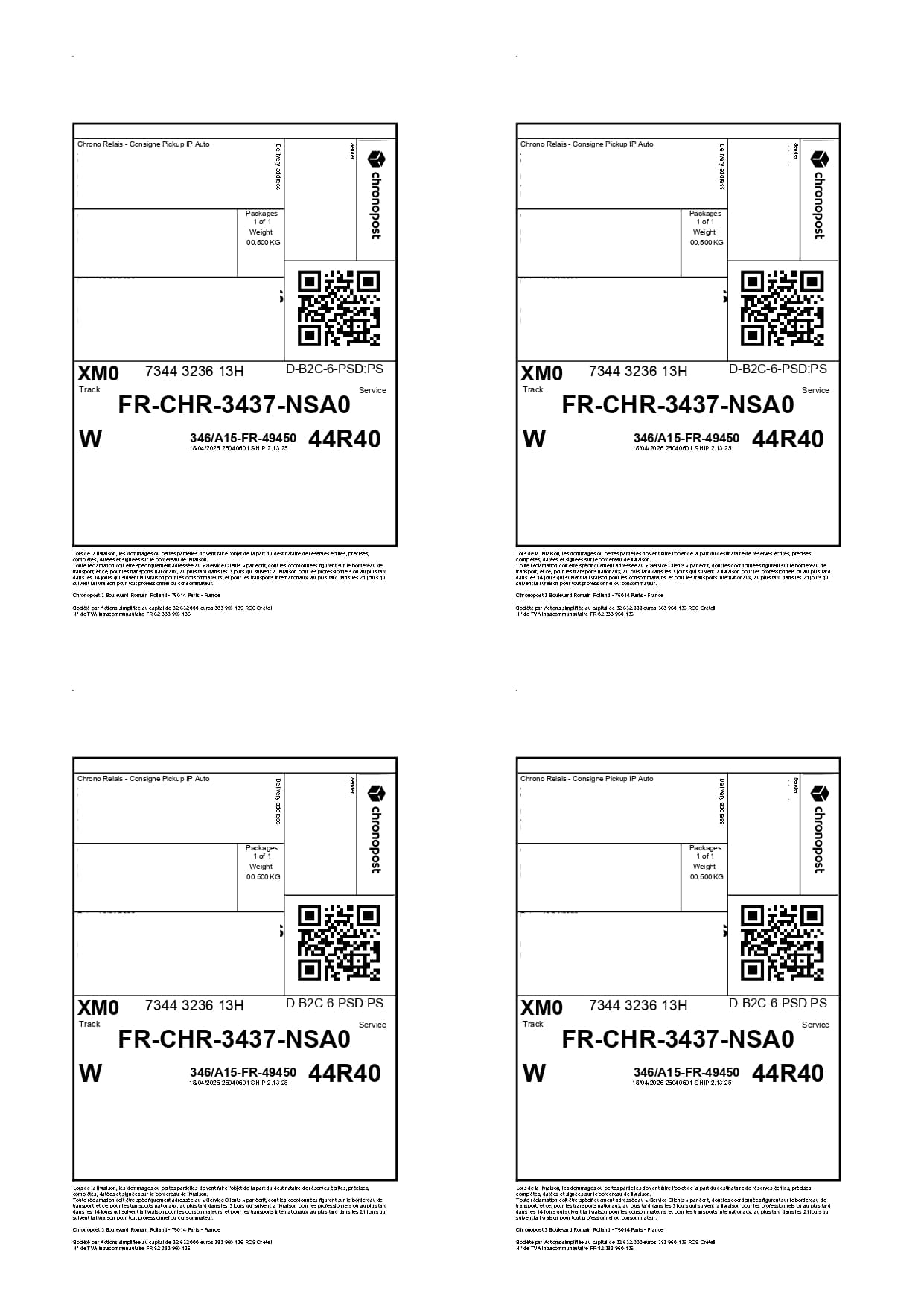
The default print layout often wastes most of the A4 surface. The unit cost looks small, but it grows with volume.
By grouping labels on one A4 sheet, you reduce the number of sheets while keeping a final PDF that stays easy to read and print.
Use cases
The same carrier PDFs can be optimized for occasional shipments or for recurring fulfillment volumes.
Reduce printing for Vinted sales, Leboncoin orders and grouped shipments.
Track a recurring cost and improve margin on monthly shipping volumes.
Print fewer sheets, cut faster and organize batches more cleanly.
Savings
With 100 parcels per month, moving from 100 sheets to around 25 can save close to 900 sheets per year.
Enter your parcel volume.
Compare one sheet per label with the A4 x4 layout.
Launch the tool to optimize your next PDFs.
Simulator
This calculation compares the default one-label-per-sheet print workflow with an A4 x4 sheet. The estimate includes paper by default and an average black ink assumption of €0.15 per standalone label.
per month
per month
4,500 per year
€719.55 per year
Result
€719.55 saved per year on shipping label printing.
saved per year
saved per month
less paper used
€44.55 per year
Based on paper cost only at €0.0099 per A4 sheet.
€675.00 per year
Based on an estimated €0.15 of black ink per standalone printed label.
€719.55 per year
Based on paper + ink, or €0.1599 per avoided standalone printed label.
Sheets saved = 500 - ceil(500 / 4) = 375.
Avoided cost per standalone label = €0.01 for paper + €0.15 for ink = €0.16.
For your current volume, that represents €3.71 of paper and €56.25 of ink, for a total of €59.96 per month.
Good to know: this estimate varies depending on your printer, the actual black coverage of your labels, the cartridge or toner used, and your print settings.
FAQ
In the best case, four labels per sheet lets you save up to three sheets out of four.
They depend mostly on the number of labels and the available layout profile. Label2A4 covers Chronopost, Colissimo, Mondial Relay, Happy Post and a manual mode.
Use the existing tool to upload your PDFs, apply the right carrier layout and generate an A4 sheet ready to print.