The problem
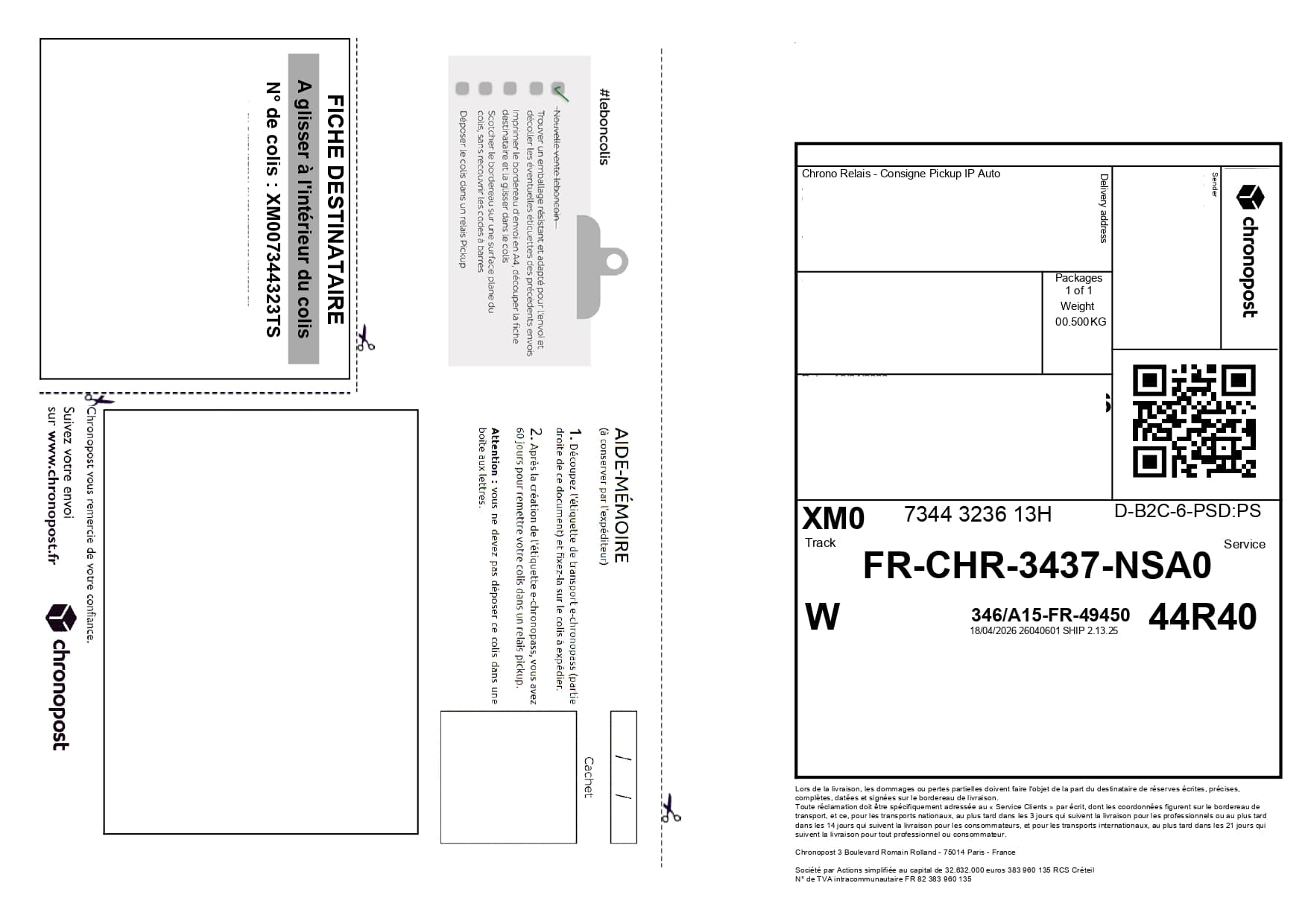
1 label = 1 sheet
Carrier PDFs are often printed one by one. A small label then uses an entire A4 sheet, which wastes paper, ink and cutting time.
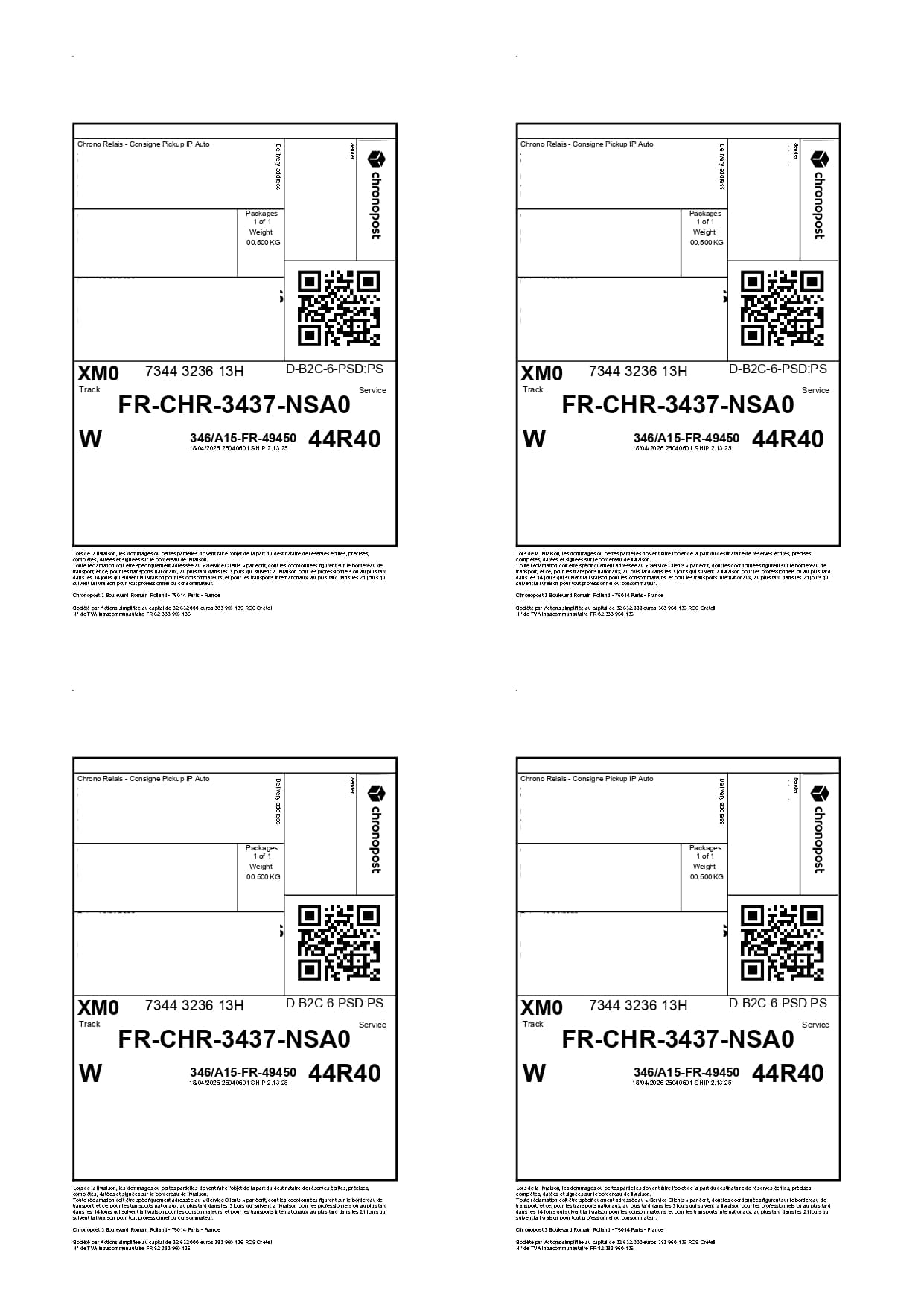
PDF labels on A4 x4
A practical guide to print your Chronopost, Colissimo, Mondial Relay, Happy Post, FedEx and DHL shipping labels on a single A4 sheet.
up to four labels per sheet
fewer sheets in the best case
Chronopost, Colissimo and Mondial Relay
The problem
Carrier PDFs are often printed one by one. A small label then uses an entire A4 sheet, which wastes paper, ink and cutting time.
The solution
Label2A4 keeps the useful label area and places it on four A4 slots. You keep your carrier PDFs and get an optimized print output.
Use cases
The same tool works for occasional sales and larger recurring shipping batches.
Group the day’s labels before your parcel shop drop-off.
Print several shipping slips without using one sheet per parcel.
Prepare more compact Chronopost, Colissimo or Mondial Relay batches.
Reduce paper, ink and handling on recurring volumes.
Savings calculator
The guide explains the A4 x4 method. The dedicated simulator estimates the sheets and euros saved from your monthly parcel volume.
Before / after
Your carrier PDF remains the source. Label2A4 generates a denser A4 PDF built for printing.
FAQ SEO
Upload the Mondial Relay PDF to Label2A4, select the Mondial Relay profile, then download the generated A4 sheet.
The Colissimo profile isolates the useful PDF area and places the label back on an A4 sheet in a more compact format.
Yes. Label2A4 places up to four PDF labels on one A4 sheet, depending on how many files you upload.
Label2A4 includes profiles for Chronopost, Colissimo, Mondial Relay, Happy Post, FedEx and DHL, plus a manual mode for other PDF formats.
Yes. Vinted and Leboncoin sellers can group the day’s shipping labels to reduce the number of printed sheets.
Upload your PDFs on the existing home page, choose the carrier, then download your A4 sheet.