
Several sales, several wasted sheets
Vinted generates carrier labels. If every PDF is printed on its own, you quickly use too much paper for labels that occupy only a small part of the page.

Vinted
When several sales ship the same day, Label2A4 helps you group your Vinted labels on a more practical A4 sheet.
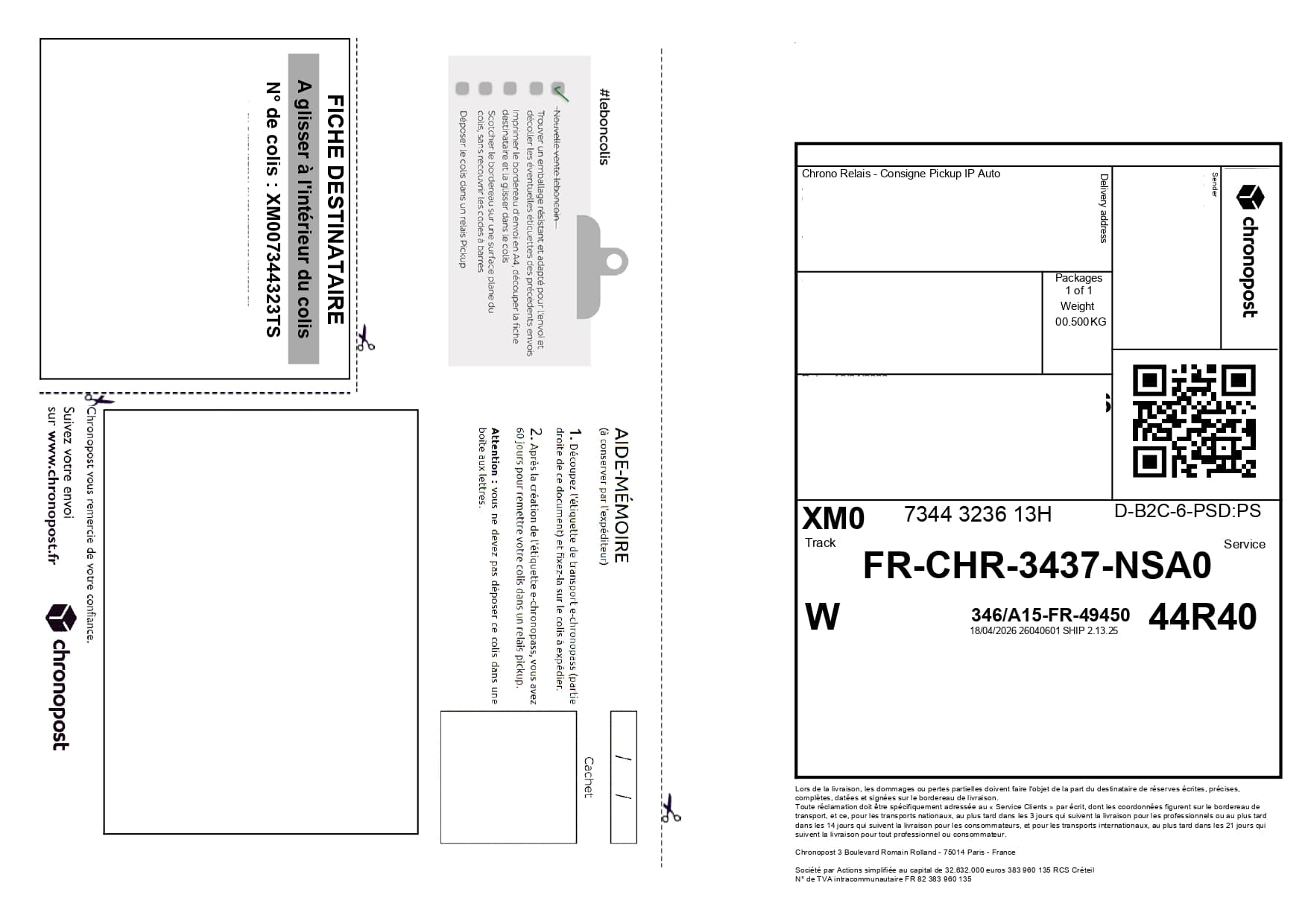
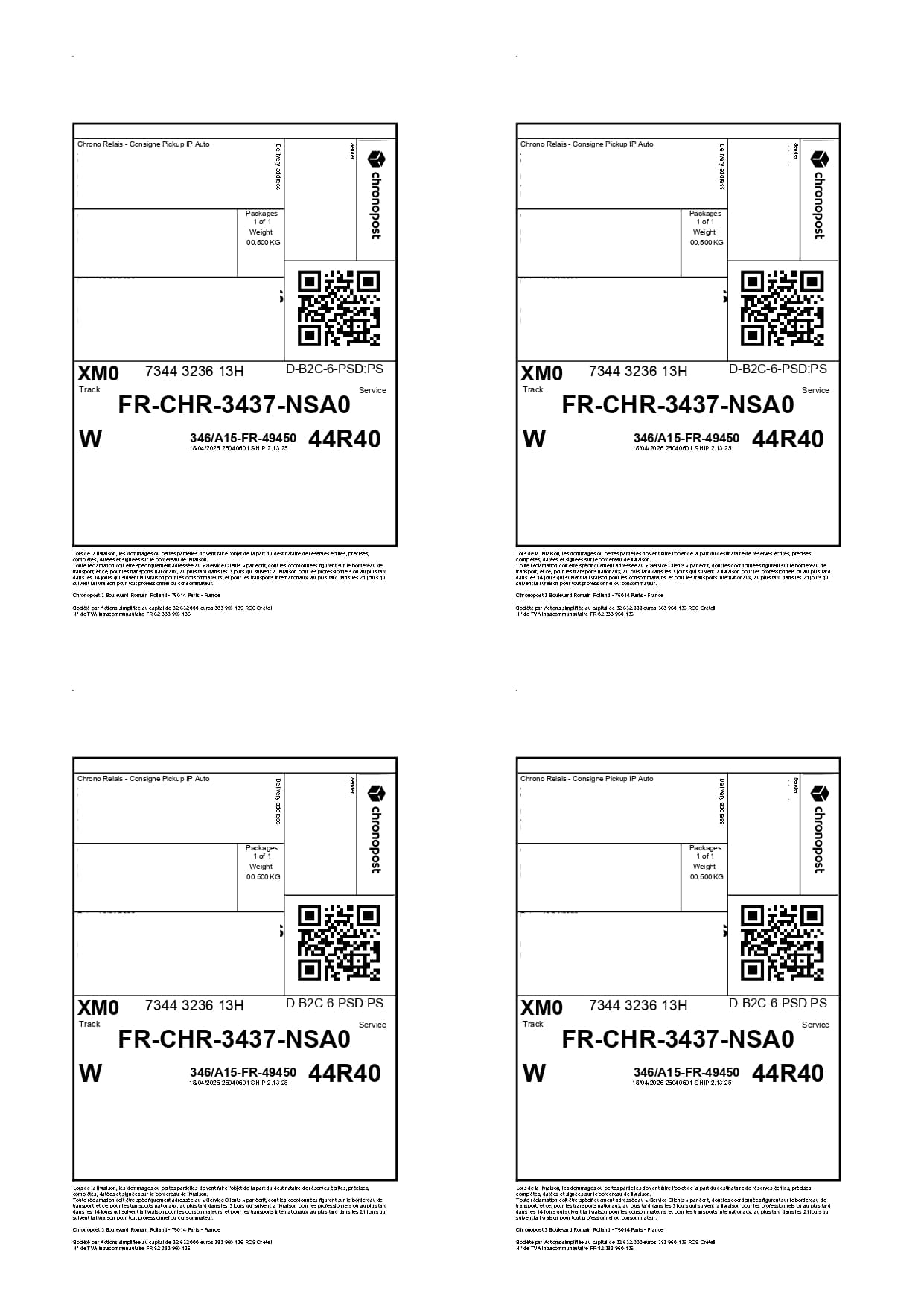
Format-specific review
A Vinted sale can generate a partner carrier document. Detection reads the actual label instead of assigning the marketplace as carrier. Sales instructions, no-print QR codes and printable waybills are different objects; only the document that belongs on the parcel is placed on the sheet.
Vinted generates carrier labels. If every PDF is printed on its own, you quickly use too much paper for labels that occupy only a small part of the page.
Choose the carrier profile that matches your sale, then generate one A4 x4 sheet with all of the day’s labels.
Use cases
The same carrier PDFs can be optimized for occasional shipments or for recurring fulfillment volumes.
Prepare grouped sales faster before dropping them off at a parcel shop or post office.
Group labels downloaded throughout the weekend into one final PDF.
Use a standard A4 printer without wasting one sheet per parcel.
Savings
From four sales onward, you can go from four sheets to one A4 sheet, depending on the carrier PDFs provided.
Download your labels from Vinted.
Upload the PDFs to Label2A4.
Choose Mondial Relay, Colissimo or Chronopost depending on the label.
FAQ
Download the Vinted PDFs, upload them to Label2A4, choose the carrier, then export the A4 x4 sheet.
Yes. The Mondial Relay profile is designed for this type of shipping label and produces an optimized A4 output.
Use the existing tool to upload your PDFs, apply the right carrier layout and generate an A4 sheet ready to print.