

One PDF per parcel wastes paper fast
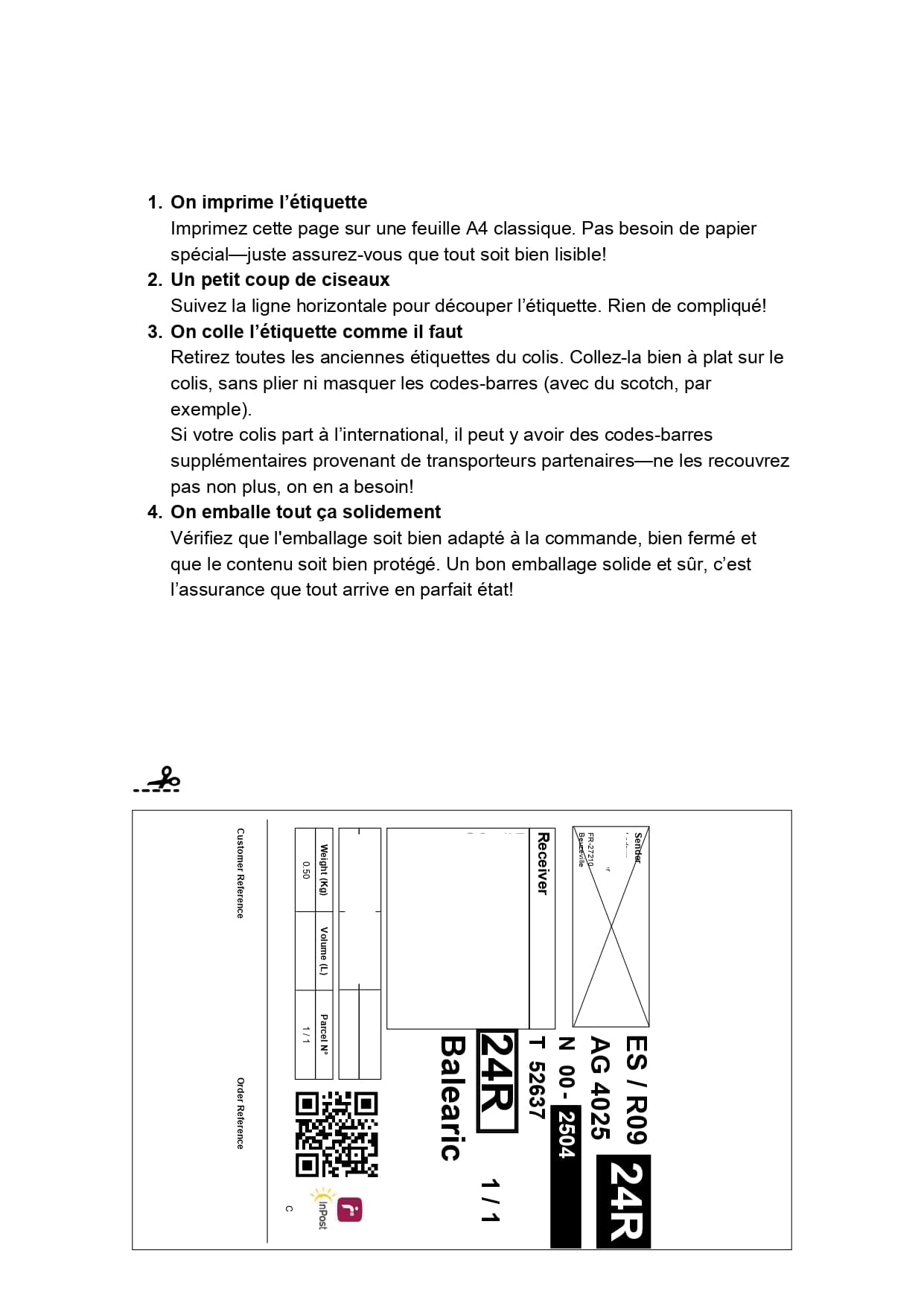
When each Mondial Relay label is printed on a full page, most of the A4 sheet stays empty. With multiple parcels, the waste becomes very visible.
Mondial Relay
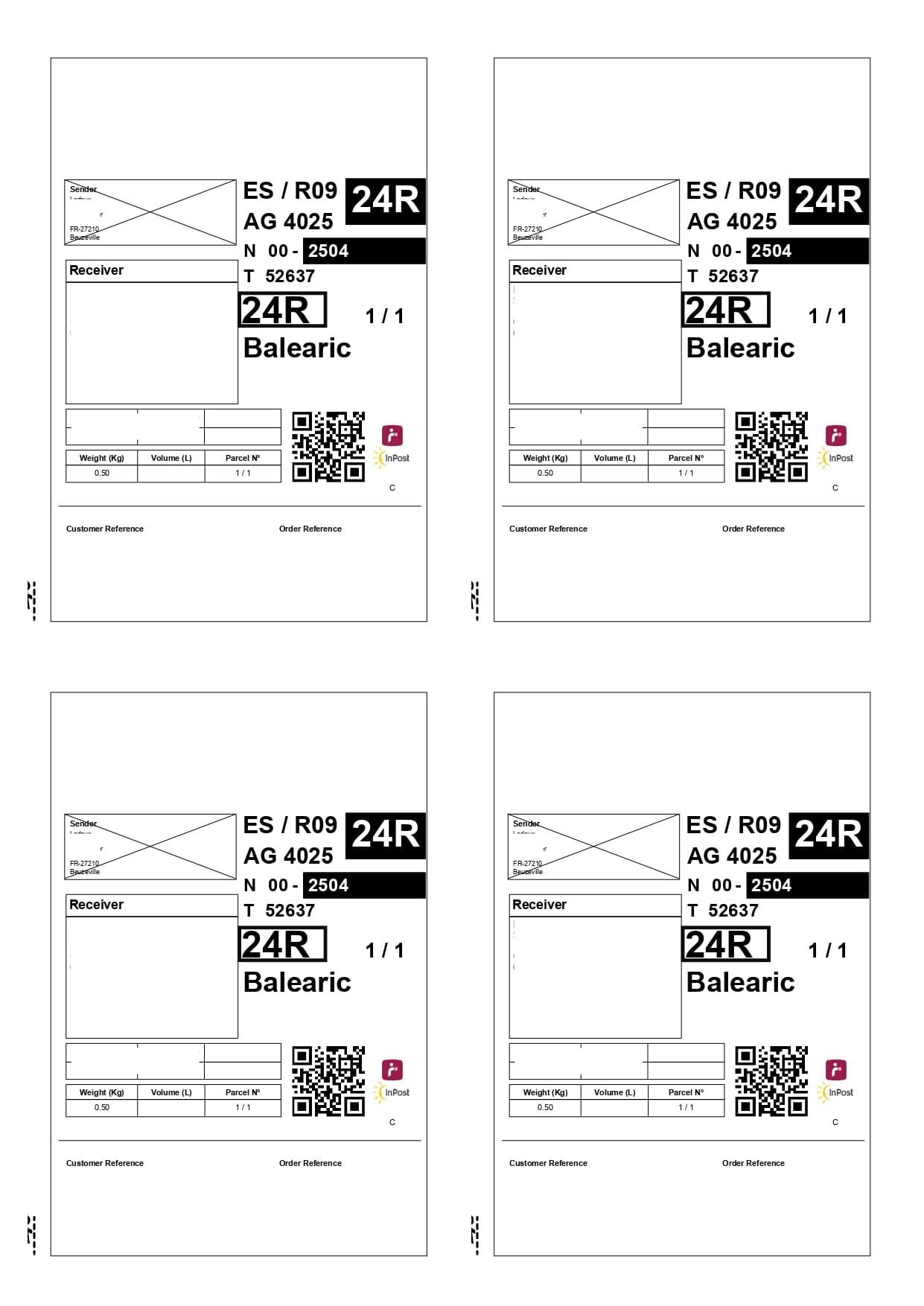
Mondial Relay labels often arrive as standalone PDFs. Label2A4 applies the right layout automatically and places them neatly on an A4 sheet, with up to four labels per page.


When each Mondial Relay label is printed on a full page, most of the A4 sheet stays empty. With multiple parcels, the waste becomes very visible.
Upload your PDFs, select the Mondial Relay profile, and export one clean A4 sheet with four label slots. You keep the carrier format while printing fewer pages.
Use cases
The same carrier PDFs can be optimized for occasional shipments or for recurring fulfillment volumes.
Prepare several sales from the day without launching a full print for every single label.
Handle recurring Mondial Relay batches with fewer sheets and an output that is easier to cut.
Keep a simple workflow when you need to drop off two, three or four parcels at once.
Savings
With four labels on one A4 sheet, a batch of 40 parcels can go from 40 sheets down to around 10, depending on the total number of labels.
Upload your Mondial Relay PDFs.
Select the Mondial Relay profile and the matching variant.
Download the ready-to-print A4 x4 PDF.
FAQ
Upload the Mondial Relay PDF to Label2A4, choose the Mondial Relay profile, then export the generated A4 sheet.
Yes. The tool groups up to four labels on one A4 sheet, depending on how many PDFs you upload.
Use the existing tool to upload your PDFs, apply the right carrier layout and generate an A4 sheet ready to print.