
Shipping slips take more space than they should
A shipping label rarely needs a full A4 page, yet the default print often uses an entire sheet.

Leboncoin
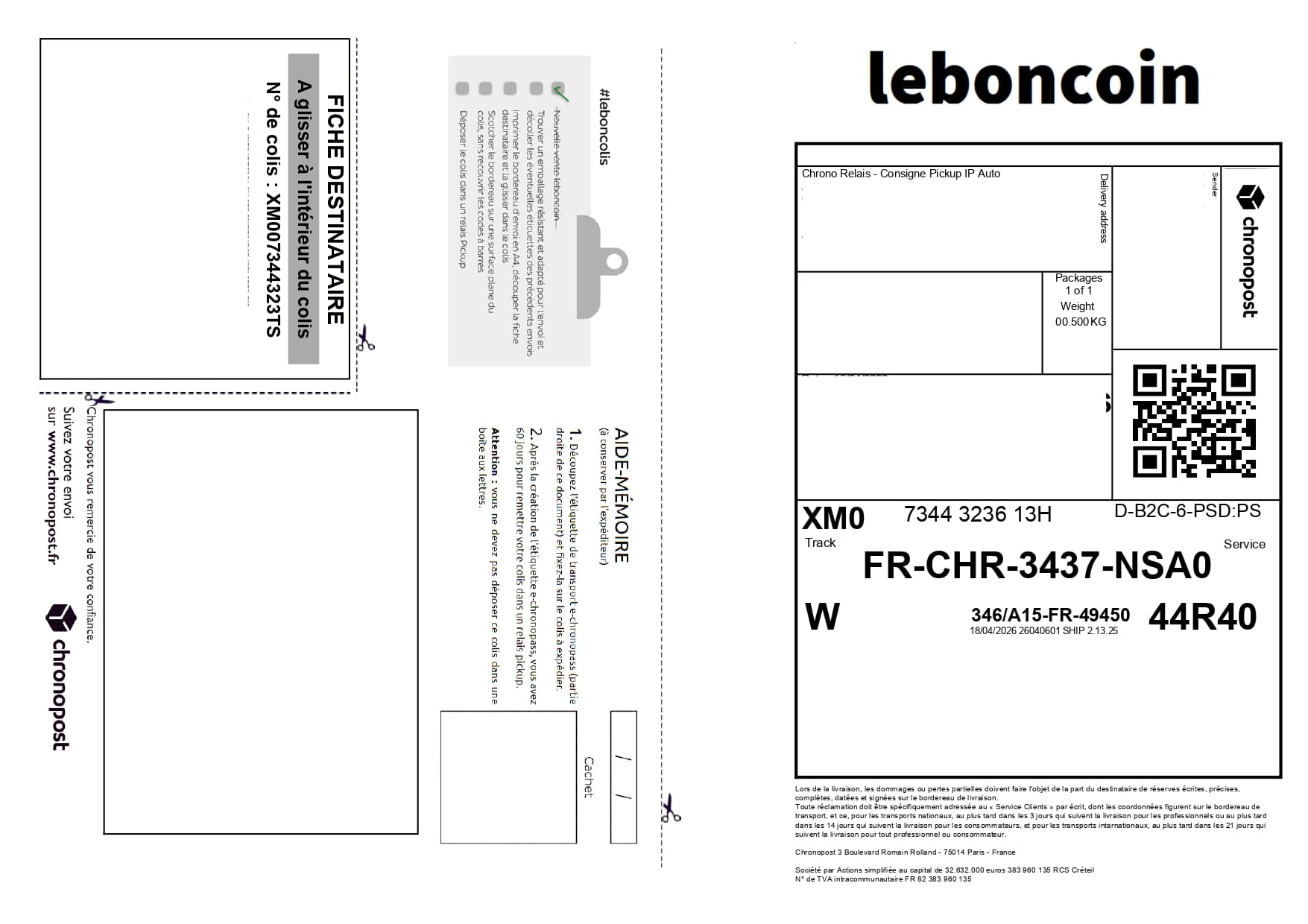
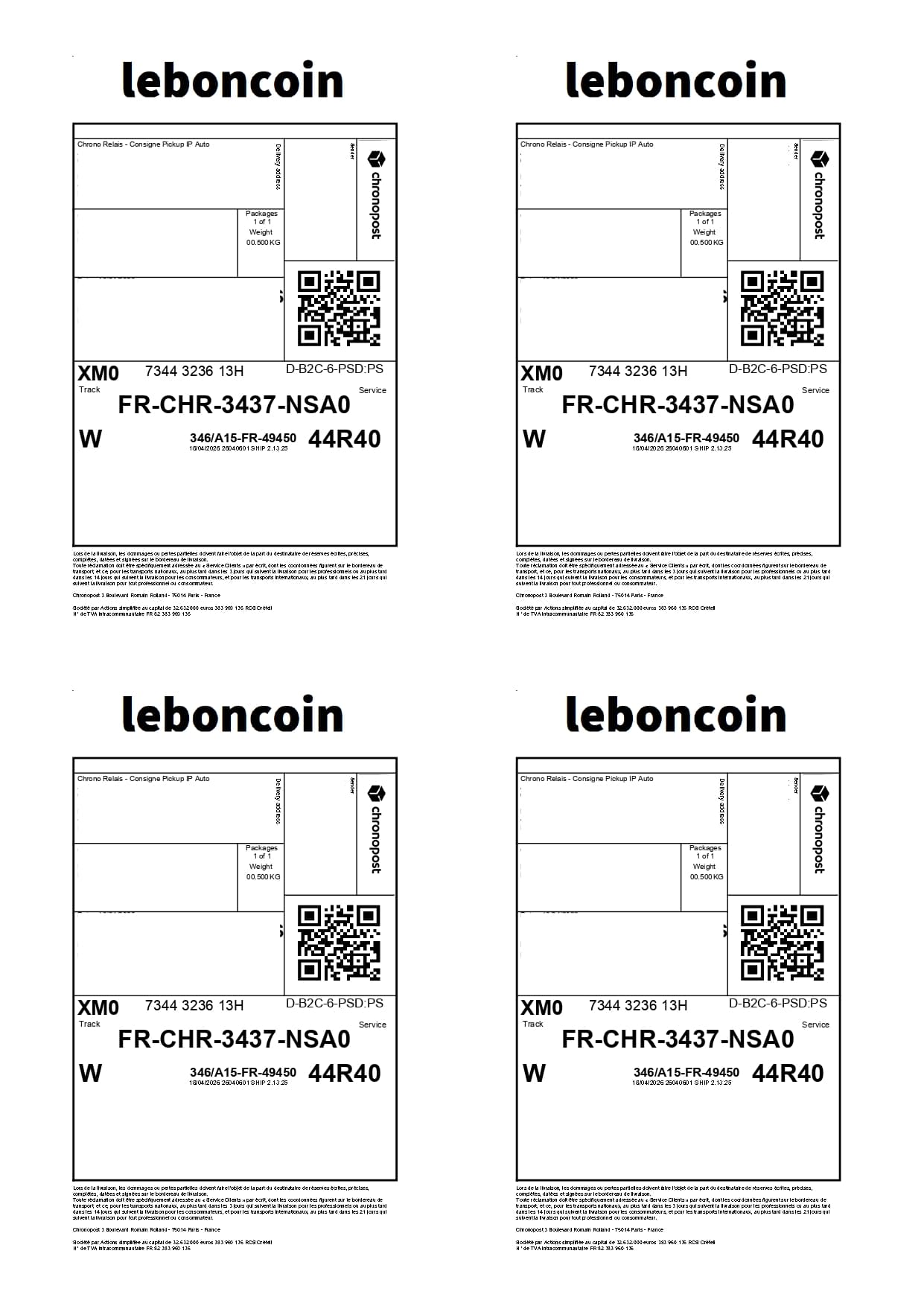
Leboncoin sales can generate several shipping slips. Label2A4 groups them onto A4 sheets for a more efficient print workflow.
Format-specific review
Leboncoin manages the transaction while different networks can issue the label. The profile examines the document itself: logo, address blocks, service and main code. An isolated text reference should not override the full visible layout.
A shipping label rarely needs a full A4 page, yet the default print often uses an entire sheet.
Upload your carrier PDFs, apply the right layout automatically, then export one A4 file with several aligned labels.
Use cases
The same carrier PDFs can be optimized for occasional shipments or for recurring fulfillment volumes.
Print several Leboncoin labels at once before packing your parcels.
Stay on a standard A4 format while reducing the number of sheets used.
Keep one clear final PDF to review, print and cut.
Savings
If you sell regularly, paper savings add up quickly with a four-up layout.
Download your Leboncoin shipping slips.
Add the PDFs to Label2A4.
Generate the A4 sheet and print it.
FAQ
Download the shipping PDF from Leboncoin, upload it to Label2A4, then choose the profile that matches the carrier.
Yes, as long as the PDFs match the available carrier profiles or the manual mode.
Use the existing tool to upload your PDFs, apply the right carrier layout and generate an A4 sheet ready to print.