
A single FedEx label can take a whole page
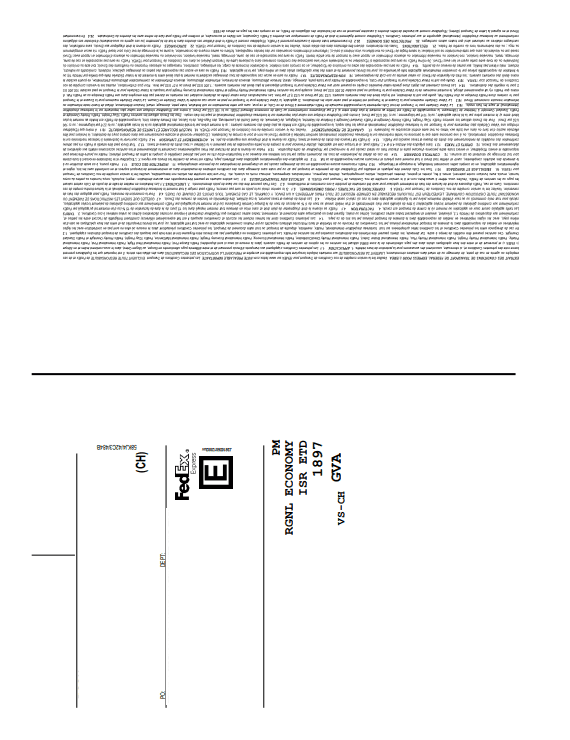
Printing each FedEx PDF separately can leave most of the A4 sheet unused, especially for e-commerce batches, customer returns or international shipments.

FedEx
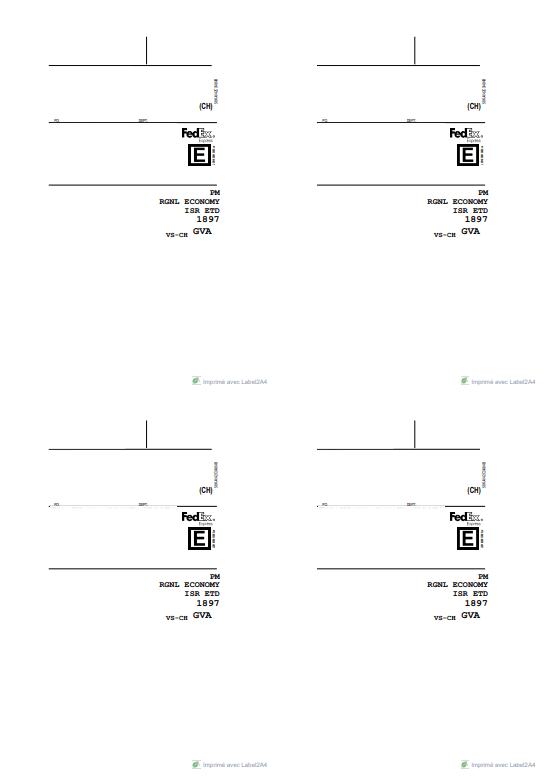
FedEx labels include the shipment details, tracking number and scannable barcodes needed for handling. Label2A4 isolates the useful area of the PDF and groups your FedEx labels on a ready-to-print A4 sheet.
Format-specific review
FedEx labels can contain several barcode blocks, service references and routing areas. The crop must keep the complete operational label rather than only the largest code or logo. Correct rotation avoids unnecessarily shrinking a tall waybill.
Printing each FedEx PDF separately can leave most of the A4 sheet unused, especially for e-commerce batches, customer returns or international shipments.
Upload your PDFs, choose the FedEx profile, then generate a final file with up to four labels on the same sheet. The FedEx content stays unchanged; only the print layout is optimized.
Use cases
The same carrier PDFs can be optimized for occasional shipments or for recurring fulfillment volumes.
Prepare FedEx labels in a compact output while keeping customs documents separate whenever they are required.
Group several FedEx return labels into one A4 PDF before printing, without changing the source files.
Use fewer sheets when several orders ship with FedEx on the same day.
Savings
For compatible batches, the A4 x4 layout can reduce paper usage by up to four times compared with printing one label per page.
Upload your FedEx PDFs to Label2A4.
Select the FedEx carrier profile.
Check the preview, then download the ready-to-print A4 x4 sheet.
FAQ
Add your FedEx PDFs to Label2A4, select the FedEx profile, then export the final PDF with up to four labels per sheet.
Label2A4 does not recreate the label; it crops and places the source PDF. Always check the final preview and print with enough quality for barcodes to remain scannable.
Keep any customs documents or commercial invoices with the shipment when FedEx requires them. The Label2A4 sheet optimizes label printing, not carrier documentation requirements.
Use the existing tool to upload your PDFs, apply the right carrier layout and generate an A4 sheet ready to print.