
Paper cost is easy to ignore, but it keeps coming back
One sheet per label feels acceptable at small scale. Over dozens or hundreds of shipments, paper, ink and handling become a real recurring cost.
Business
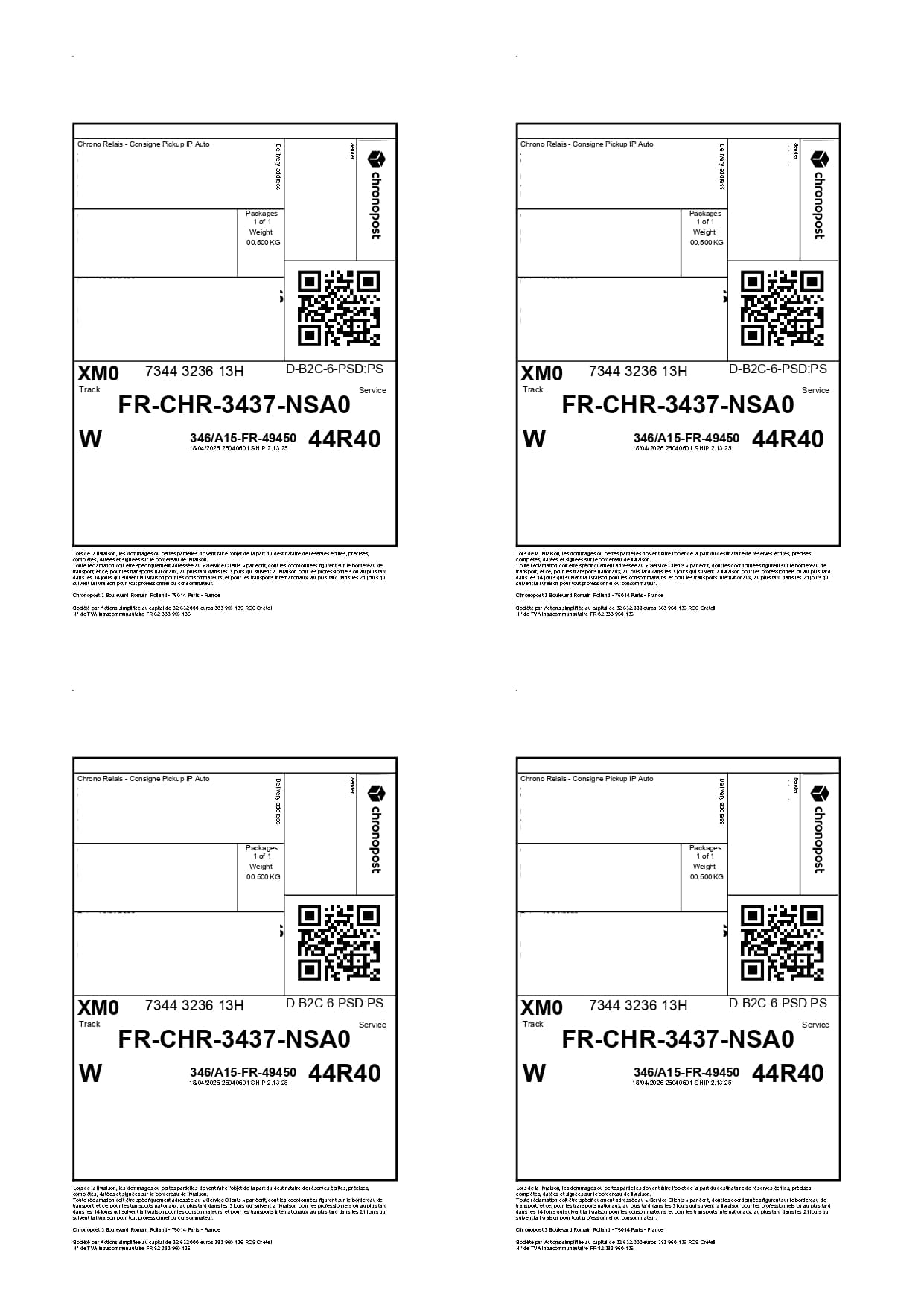
For teams shipping every week, the A4 x4 format reduces printed sheets, speeds up preparation and makes paper cost easier to track.
Format-specific review
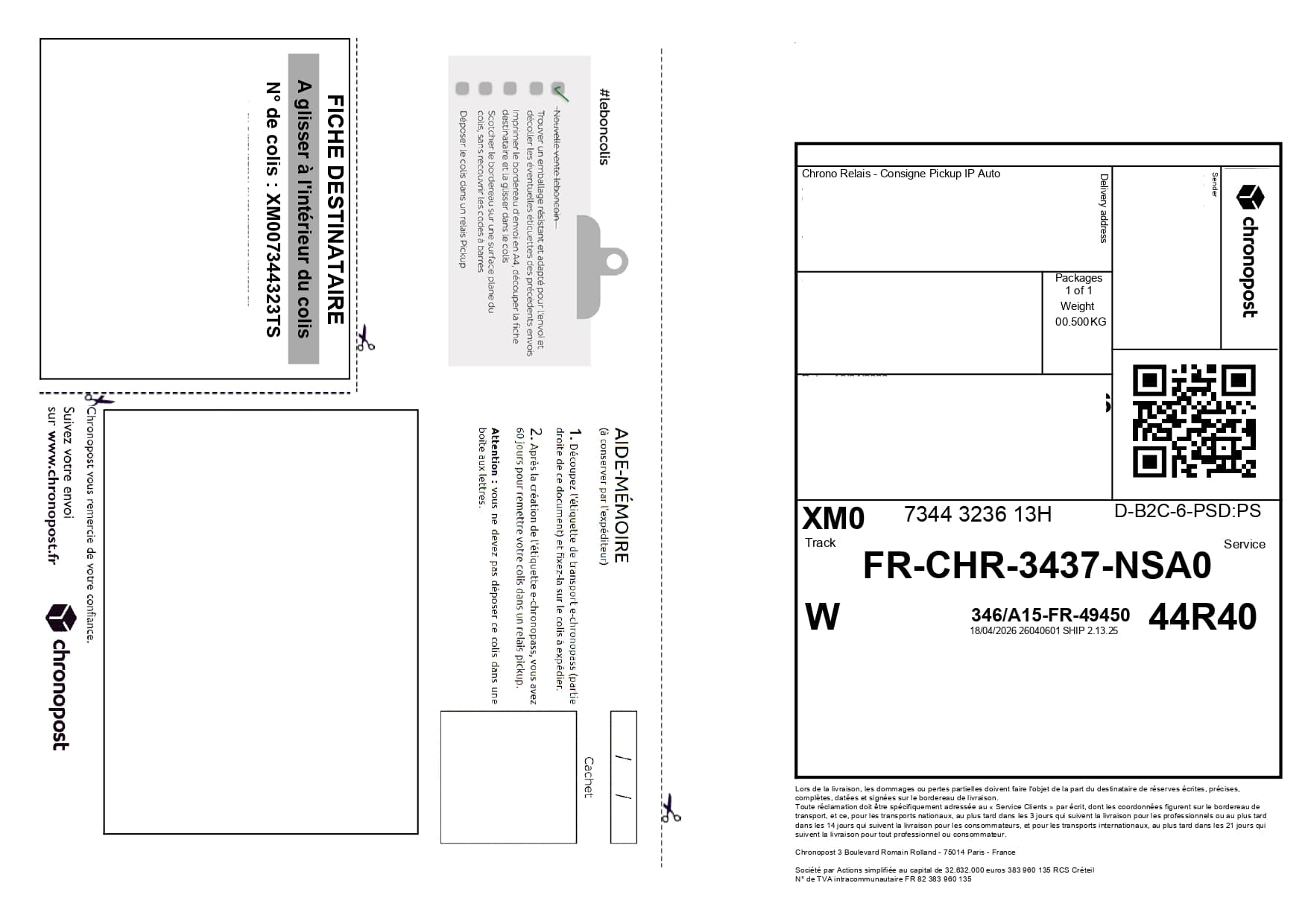
Recurring batches need stable order as much as accurate cropping. The recommended workflow links an internal reference, sheet position and physical parcel. Duplicates are checked by tracking number rather than filename, and the first sheet is approved before the whole run.
One sheet per label feels acceptable at small scale. Over dozens or hundreds of shipments, paper, ink and handling become a real recurring cost.
Label2A4 steps in after your labels are generated. The owner chooses a Pro plan, invites the team and gives everyone unlimited A4 exports plus shared label history without changing carriers.
Use cases
The same carrier PDFs can be optimized for occasional shipments or for recurring fulfillment volumes.
Prepare the day’s orders with a denser A4 output.
Group return labels or replacement shipments on the same optimized print sheet.
Choose capacity for 3, 7 or 10 invited members, with unlimited A4 exports for the whole team.
Savings
The simulator estimates sheets and euros saved based on your monthly parcel volume.
Open the simulatorExport your usual carrier labels.
Group the PDFs in Label2A4.
Print the optimized sheet for fulfillment prep.
FAQ
Yes. The tool is built for recurring batches and for teams that want to save paper without changing carriers.
No. The tool runs in the browser and exports a ready-to-print PDF.
Yes. Every member gets unlimited A4 exports and sees the same label history. Only the owner manages invitations, billing and history deletion.
Use the existing tool to upload your PDFs, apply the right carrier layout and generate an A4 sheet ready to print.